
Apollo Music / CarPlay · Android Auto
Your music, on the car screen.
Apollo Music works with Apple CarPlay and Android Auto. Your history, home picks, charts and playlists are on the dashboard — no phone in hand.


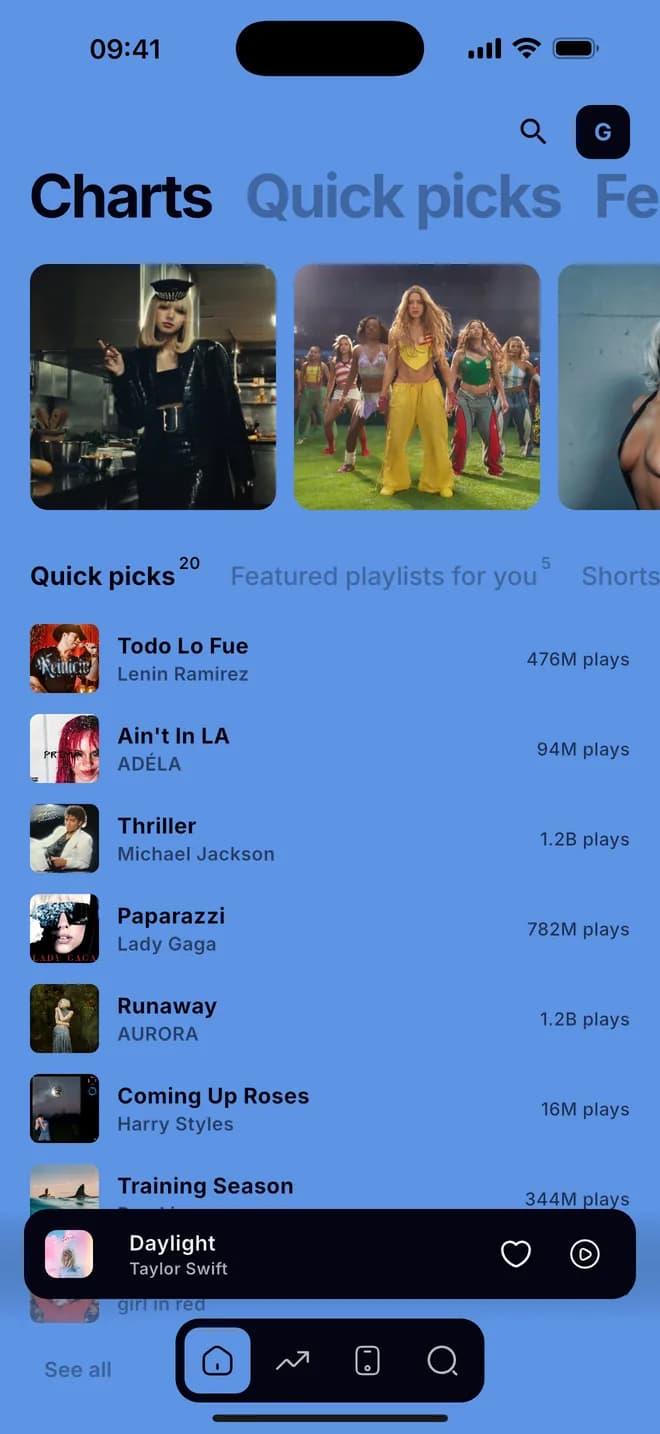
Four tabs on the dash
History, Home, Charts and Library — the same music you browse on your phone, laid out for the car.
Search and Up Next on CarPlay
Find a song by name and see what plays next without reaching for your phone.
Shuffle from the wheel
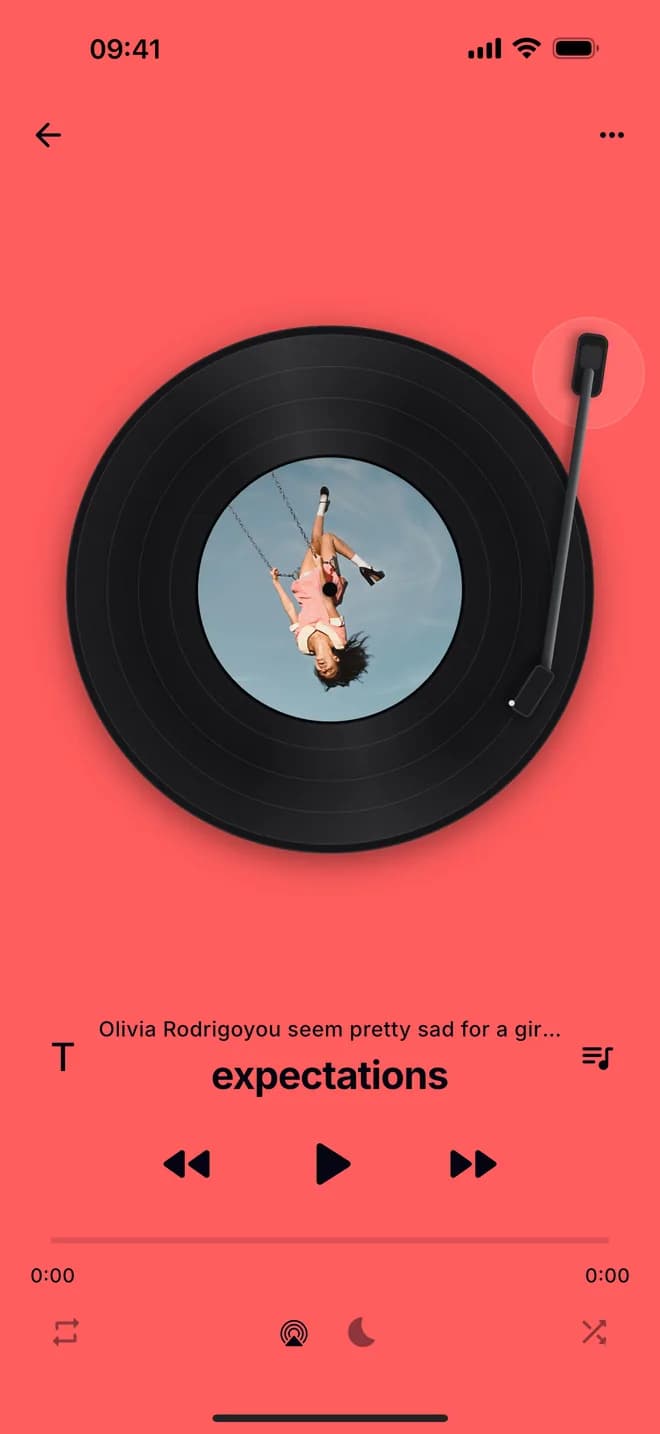
On CarPlay the Now Playing screen cycles Sequential, Shuffle and Smart Shuffle — and stays in sync with the phone.
Music that keeps going
When the playlist ends, Endless music queues up similar songs, so the drive doesn't go quiet.
Good to know
Do I need to open the app on my phone first?
On Android Auto, no — Apollo Music starts straight from the car screen and plays. On CarPlay, plug in and pick Apollo Music from the dashboard.
Does CarPlay cost extra?
No. CarPlay and Android Auto are part of the free app.
Will my playlists show up?
Yes. Your playlists and the artists you follow are in the Library tab.